- Pagina inicial /
- Eletrónica /
- Computers, Laptops and Tablets /
- Computer Accessories /
- Computer Keyboards & Mice /
- Computer Mouse & Mouse Pads /
- Wireless Mouse /
- Logitech MX Master 4 for Mac, Ergonomic Bluet...
0 ratings













Artigo n.º:
199057186
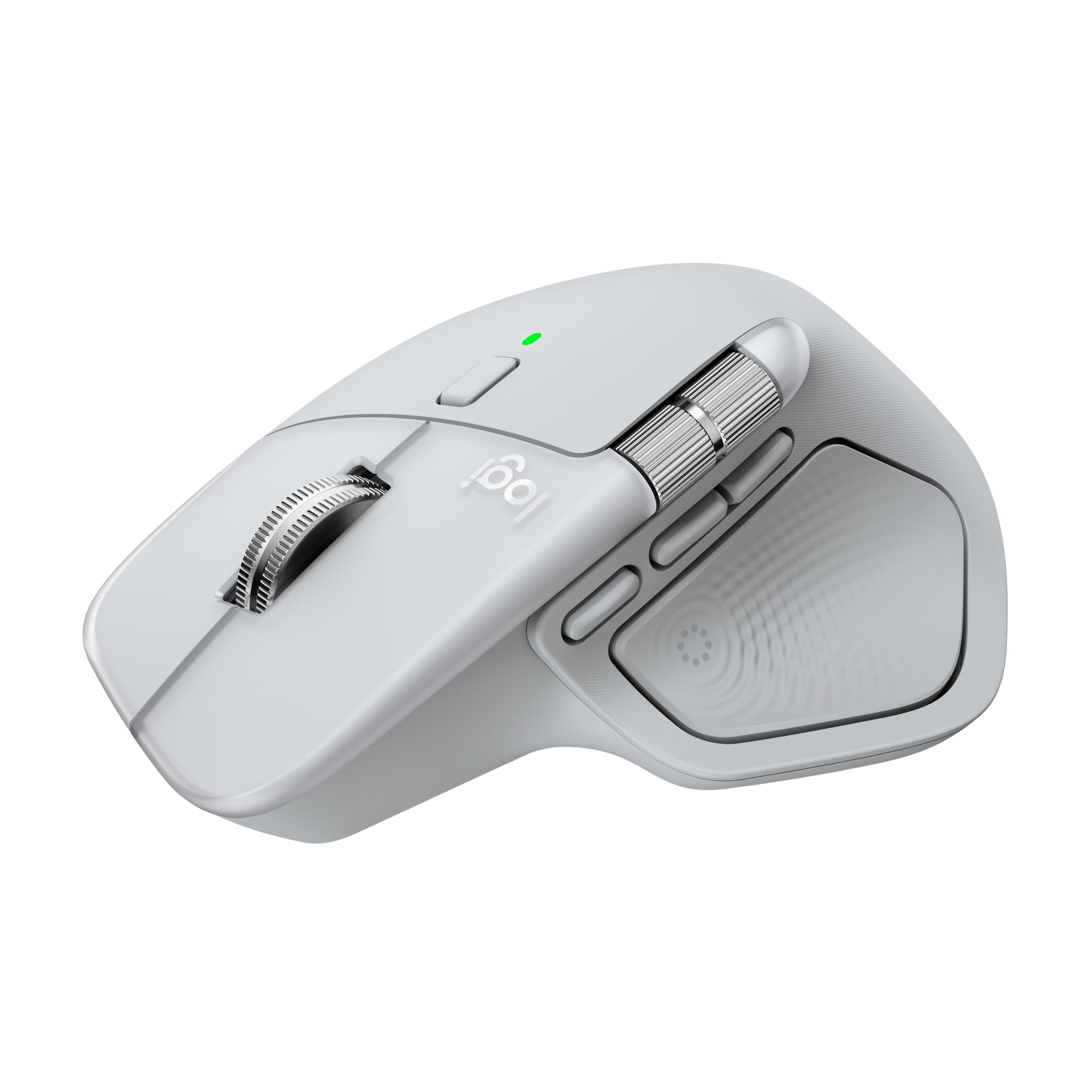
Logitech MX Master 4 for Mac, Ergonomic Bluetooth Mouse with Advanced Performance Haptic Feedback, Ultra-Fast Scrolling, USB-C Charging, White Silver
Artigo n.º:
199057186
€ 141
Price Details
Excluding Shipping & Custom charges ( Shipping and custom charges will be calculated on checkout )
*All items will import from EUA
0 ratings
Escreva um comentário
Em estoque
 Importado da loja USA
QTY:
Restam apenas 12 artigos em stock.
Encomende já e receba por volta de Quinta-feira, Julho 02
Transação segura
A Ubuy trabalha arduamente para proteger a sua segurança e privacidade. O nosso sistema avançado de segurança de pagamentos garante a confidencialidade ao encriptar as suas informações durante a transmissão, utilizando os protocolos AES (Normas de Encriptação Avançada) e SSL (Camada de Sockets Seguros). Os seus dados de pagamento estão 100% seguros, pois não partilhamos os seus dados de pagamento com vendedores terceiros.
Os nossos principais Parceiros Logísticos


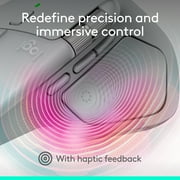
Experience haptic feedback on specific actions, shortcuts, notifications like switching desktops, slider adjustments and more.

Fast
Shipping

Devolução
gratuita*

Embalagem Segura

Produtos 100% Originais

Certificação PCI DSS

Certificação ISO 27001


Note: Step Down Voltage Transformer required for using electronics products of EUA store (110-120). Recommended power converters Compre Agora.


Detalhes do produto
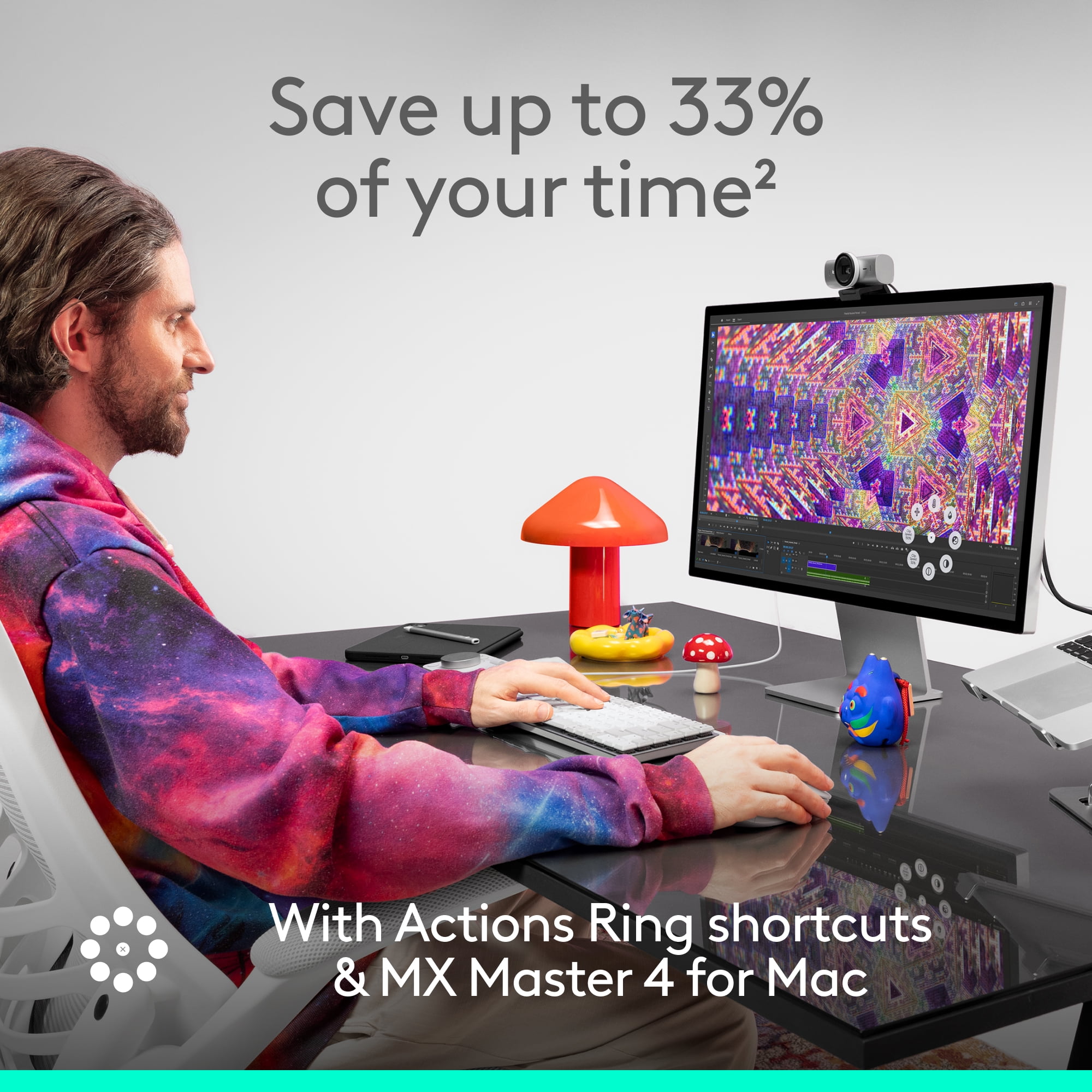
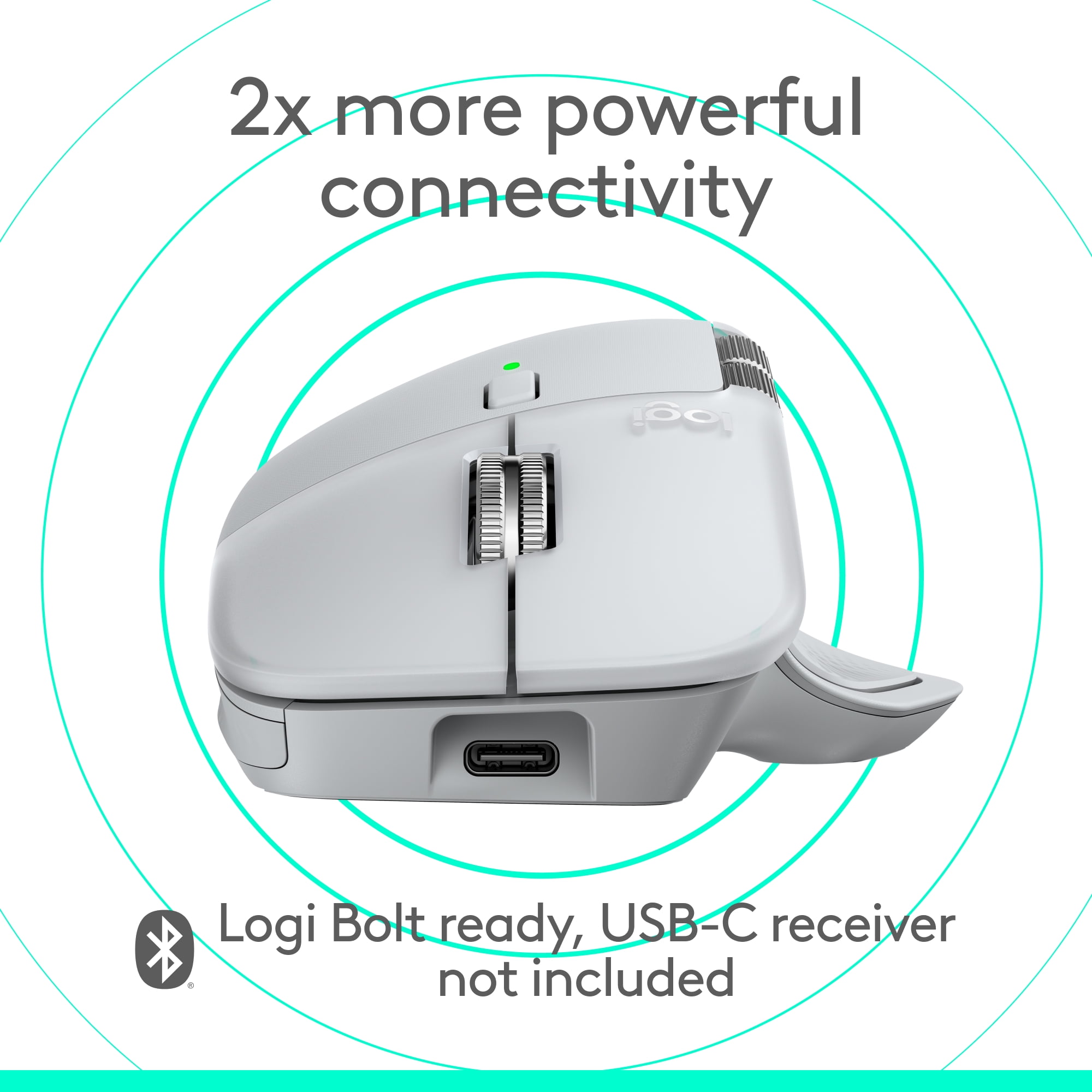
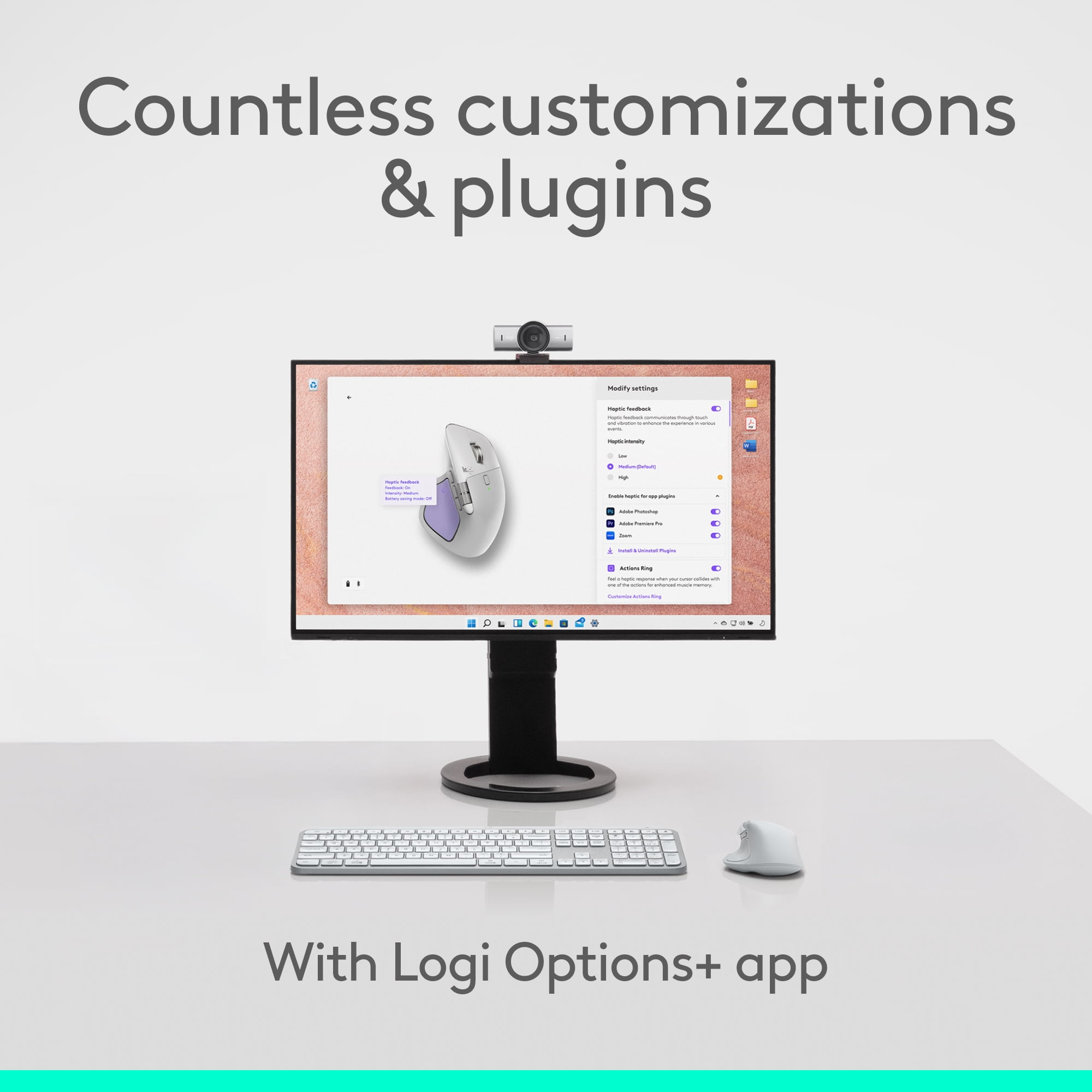
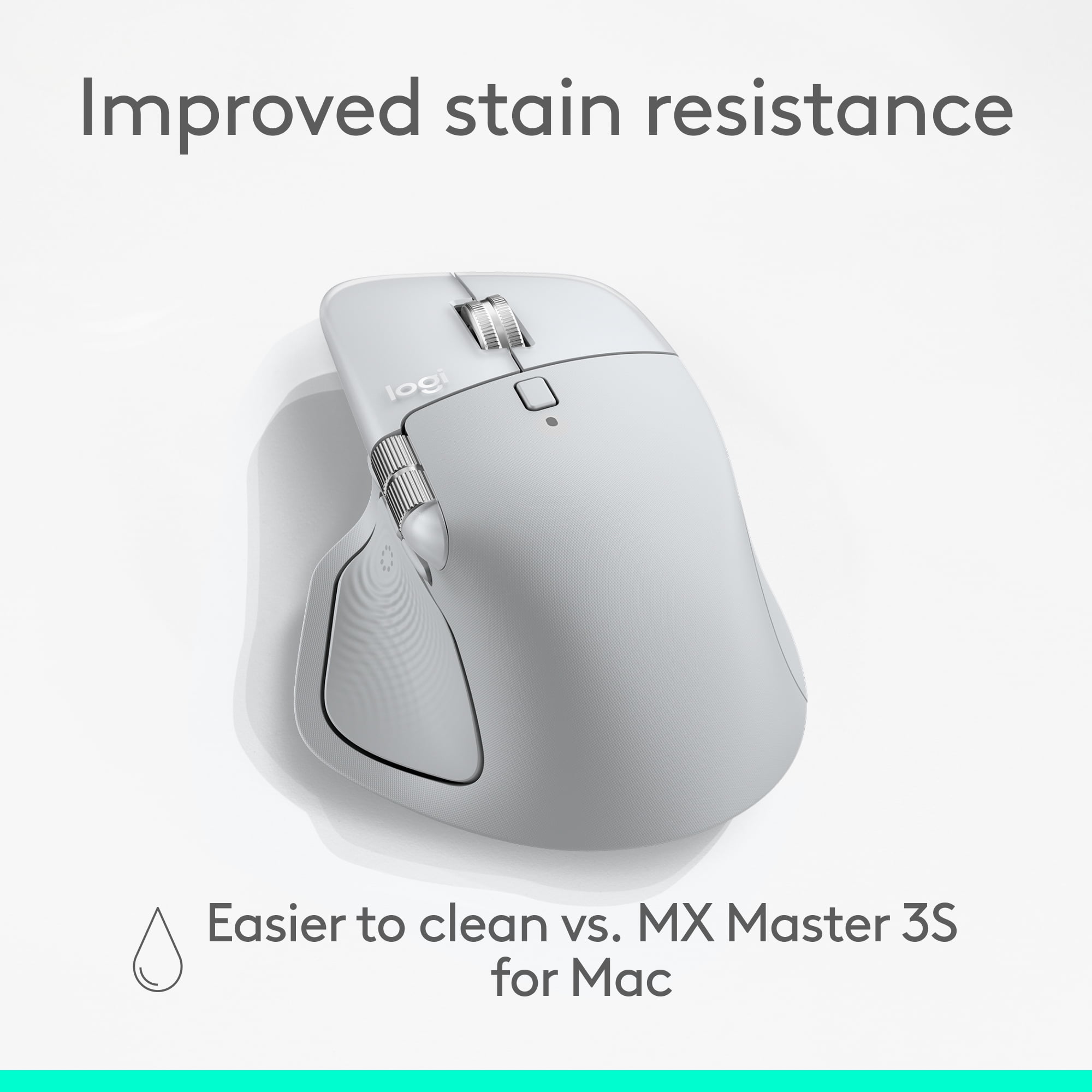
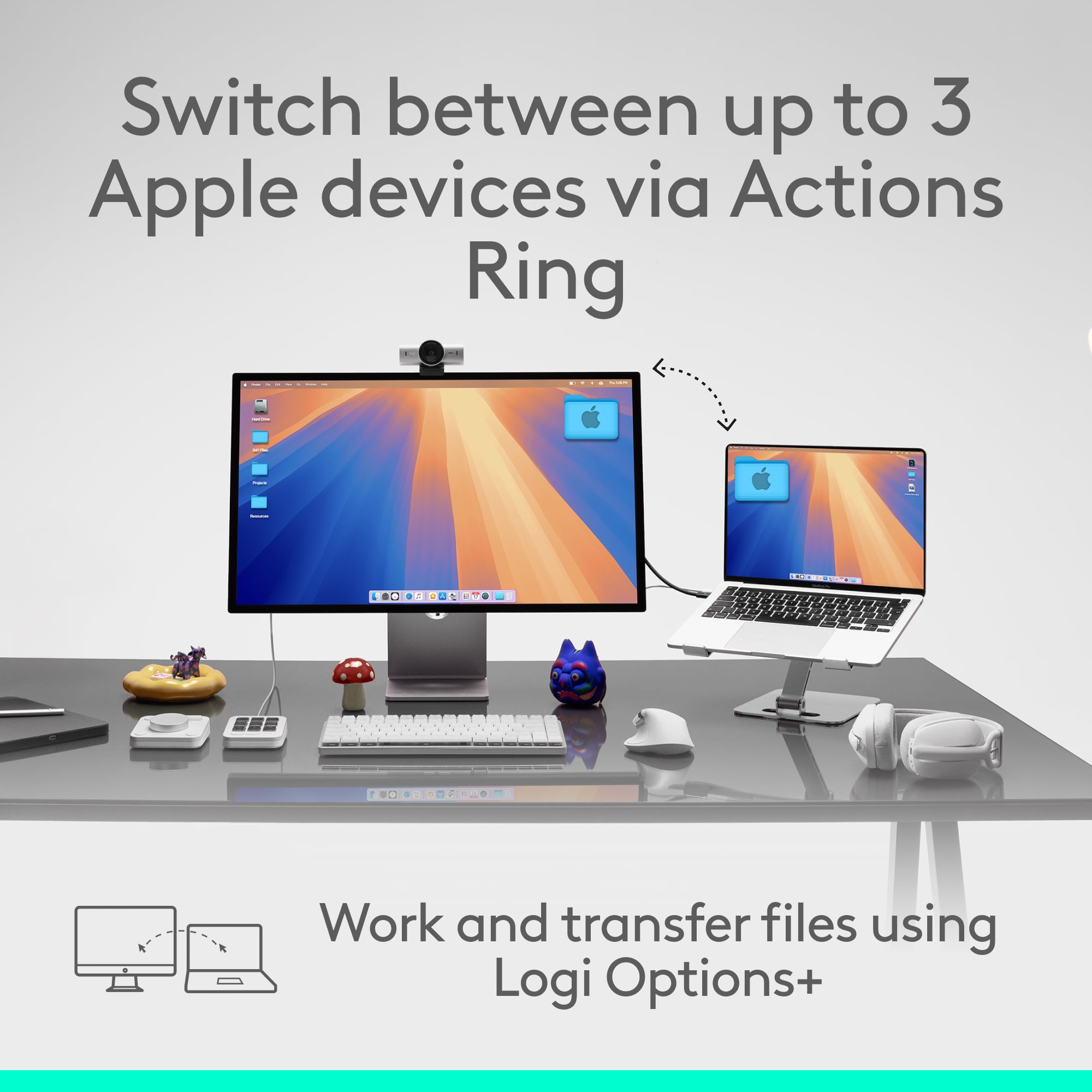
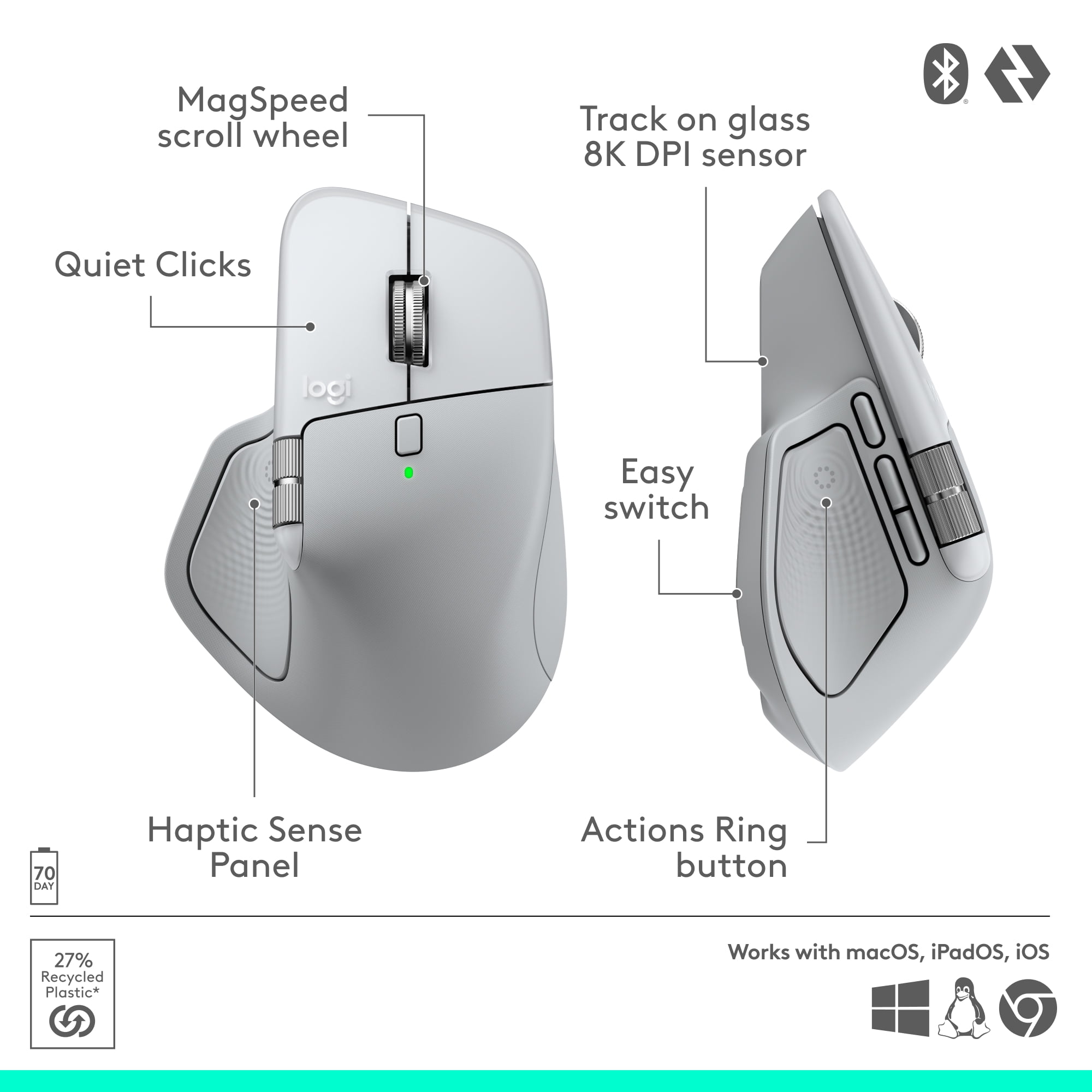
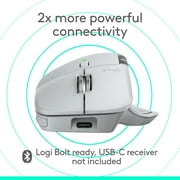
- The Logitech MX Master 4 for Mac brings immersive control and precision you can feel with haptic feedback. Experience haptic feedback on specific actions, shortcuts, notifications like switching desktops, slider adjustments and more. Customize vibration intensity with Logi Options+. With Actions Ring shortcuts and MX Master 4 for Mac, save up to 33% of your time by accessing tools and filters at your cursor and reducing repetitive movements by up to 63%. Experience uninterrupted performance with 2X more powerful connectivity, powered by an advanced radio chip, optimized antenna placement, and a new USB-C dongle (not included). Scroll 1,000 lines per second with Logitech's fastest MagSpeed wheel, switching between hyper-fast and pixel-perfect scrolling for ultimate precision. The 8k DPI sensor tracks on any surface—even glass. Designed for comfort, it keeps your hand in a natural posture, and quiet clicks that reduce noise by 90%. Stay powered up with up to 70 days of battery life, plus three hours of use from a one-minute charge, charging cable not included.
| Brand | Logitech |
| Mouse type | Laser Mice |
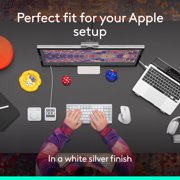
| Color | White Silver |
| Connection | USB Type C |
| Wireless | Bluetooth;RF |
| Motion detect | Optical |
| Buttons | 8 |
| Dexterity | Right-Handed |
| Battery consumption type | Integrated Rechargeable Battery |
| Features | Rechargeable |
| Power type | Battery |
| Battery size | Proprietary Device Specific |
| Model name | Logitech MX Master 4 for Mac |
| Maximum transmission range | 33 ft |
| Compatible OS | macOS 13 or later*, iPadOS 15 or later**. (*Customize device by installing the Logi Options+ App available for recent versions of Windows and macOS at app.logi.com, **Device basic functions will be supported without software for other systems than Windows and macOS) |
| Weight | 0.33 lb (150 grams) |
| Height | 5.05 in (12.8 cm) |
| Batteries | 1 |
| Orientation | Horizontal |
| Recommended use | Office |
| Accessories included | MX Master 4 for Mac wireless mouse; User documentation |
| Finish | Matte |
| Retail packaging | Single Piece |
| Multipack quantity | 1 |
DESCRIÇÃO DO PRODUTO
Tem alguma Dúvida? Converse connosco
Perguntas e Respostas dos Clientes
-
pergunta:
What is the battery life of the MX Master 4 for Mac?
Resposta: Up to 70 days of battery life, plus three hours of use from a one-minute charge. -
pergunta:
Is the mouse compatible with Windows as well?
Resposta: The MX Master 4 is primarily designed for Mac, but it can also work with Windows. -
pergunta:
What kind of connection does it use?
Resposta: It connects via Bluetooth and includes a USB-C dongle for enhanced connectivity.
Logitech Wireless Mouse Editorial Review
The Logitech MX Master 4 for Mac has garnered a highly positive reception among users, particularly for its ergonomic design and advanced functionality tailored for Mac users. Many reviews highlight the mouse's ease of setup and customization, making it an ideal choice for a variety of applications, including video editing and CAD software like Fusion 360. Users Consistently praise its performance, describing it as an exceptional productivity tool that enhances their workflow. The mouse boasts several notable features such as haptic feedback, ultra-fast scrolling, and USB-C charging. The side-to-side scrolling capability is often mentioned as a revolutionary addition that significantly improves navigation. Ergonomics is another strong point, with users noting that the MX Master 4 fits comfortably in hand and minimizes wrist fatigue during extended use. However, some users have commented that the mouse is heavier than expected, which may affect its portability for some. While the Logitech software is required to unlock the full potential of the mouse, users appreciate the customizable options it provides. One minor drawback noted is that the mouse does not appear natively in macOS, requiring additional steps for full functionality. Despite this, the overall Consensus is that the MX Master 4 for Mac is a top-tier product that stands out in its category, particularly for those who frequently work on their Macs and require a precise and efficient input device. **
Avaliações e Classificações dos Clientes
58 classificações de clientes
-
5 Estrela
75%
-
4 Estrela
13%
-
3 Estrela
5%
-
2 Estrela
0%
-
1 Estrela
5%
Avaliar este produto
Partilhe as suas ideias com outros clientes
Prós
- Ergonomic design reduces wrist fatigue
- Easy setup and extensive customization options
- Excellent performance for tasks like video editing and CAD
- Innovative side-to-side and quick scrolling features
- Haptic feedback enhances user experience
- USB-C charging for convenience
Contras
- Heavier than some users prefer
Histórico de preços do produto
Informação importante
- Limitações: para produtos expedidos internacionalmente, tenha em atenção que qualquer garantia do fabricante pode não ser válida; opções de serviço do fabricante podem não estar disponíveis; manuais de produtos, instruções e avisos de segurança podem não estar nas línguas do país de destino; os produtos (e materiais que o acompanham) pode não ter sido concebido em conformidade com as normas, especificações e requisitos de rotulagem do país de destino; e os produtos podem não estar em conformidade com a voltagem e outras normas elétricas do país de destino (requerendo assim o uso de um adaptador ou conversor caso seja apropriado). O destinatário é responsável por garantir que o produto pode ser legalmente importado para o país de destino. Quando encomenda à Ubuy ou aos seus afiliados, o destinatário é o importador de registo e deve estar em conformidade com todas as leis e regulamentos do país de destino.
- Nem todos os produtos listados na Ubuy estão à venda, uma vez que a Ubuy é um motor de busca global. Os produtos estão sujeitos a leis de exportação/comércio.
€ 141
Encomende já e receba por volta de Quinta-feira, Julho 02
Este artigo não está restrito no meu país. (Clique no link acima se este artigo não estiver restrito no seu país, para que a nossa equipa o analise e permita.)
QTY:
Restam apenas 12 artigos em stock.
Transação segura
A Ubuy trabalha arduamente para proteger a sua segurança e privacidade. O nosso sistema avançado de segurança de pagamentos garante a confidencialidade ao encriptar as suas informações durante a transmissão, utilizando os protocolos AES (Normas de Encriptação Avançada) e SSL (Camada de Sockets Seguros). Os seus dados de pagamento estão 100% seguros, pois não partilhamos os seus dados de pagamento com vendedores terceiros.
Os nossos principais Parceiros Logísticos
Entrega internacional mais rápida
Recursos e benefícios
- Customizable haptic feedback enhances productivity and control.
- Access favorite tools quickly with the dynamic Actions Ring.
- Enjoy fast, precise scrolling with the MagSpeed scroll wheel.
- Ergonomic design reduces hand stress for comfortable usage.
- Experience 90% less click noise for a focused working environment.
- Includes a complimentary 1-month Adobe Creative Cloud subscription.